Made for iPhone Duo · Sam's working on Android now!
A real sketchbook, folded into your phone
Books sit on a desk. Pick one up and it opens. Swipe and the page turns under your finger. Tap a page and draw.
Three notebooks free, every tool included. Unlimited with Pro, paid once.
How it feels
Desk, book, page
1Pick a book
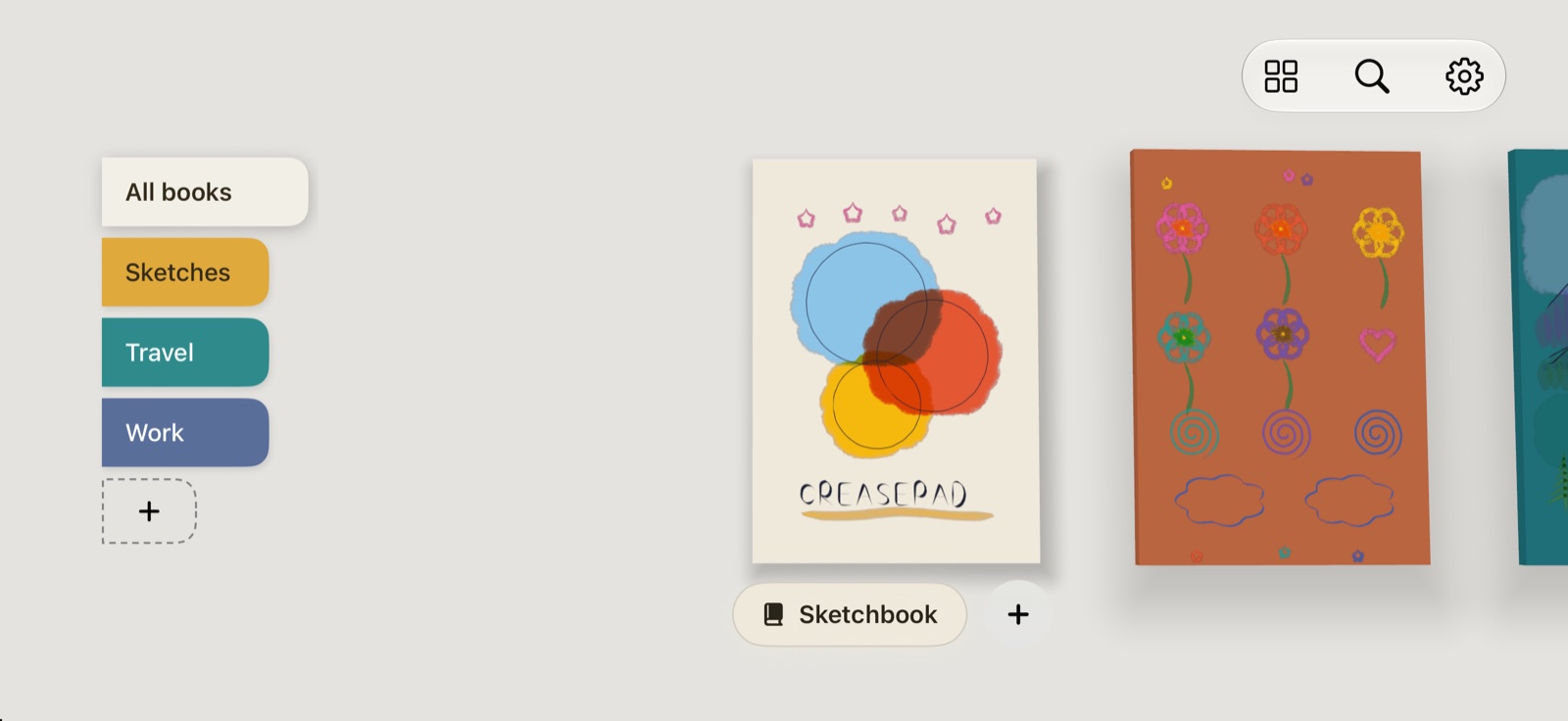
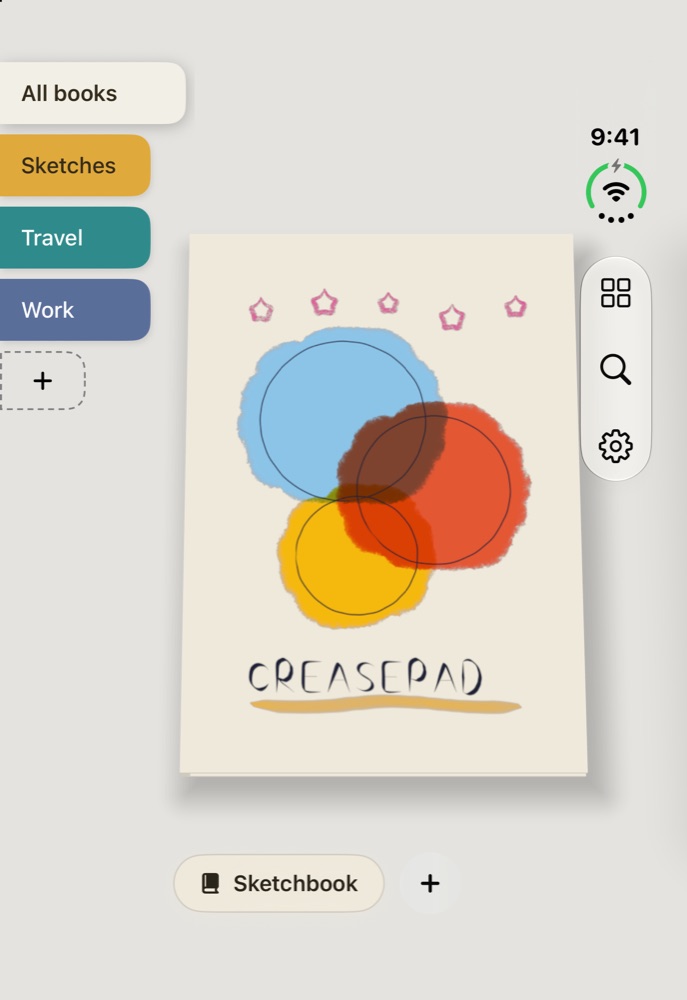
Your books sit side by side on a desk. Sort them under tabs like Sketches, Travel and Work.
2Turn the pages
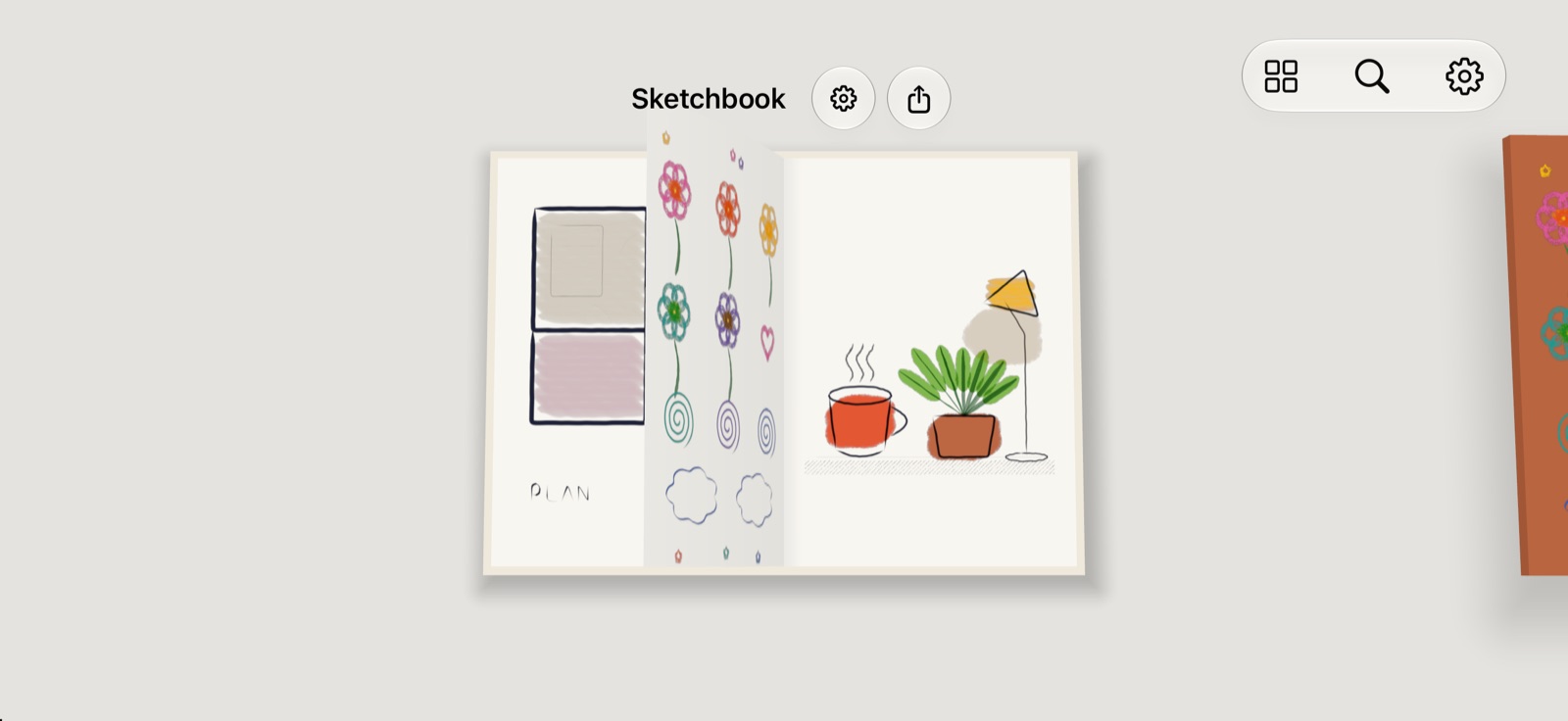
Swipe and the page lifts, bends and follows your finger, like paper does.
3Draw on it
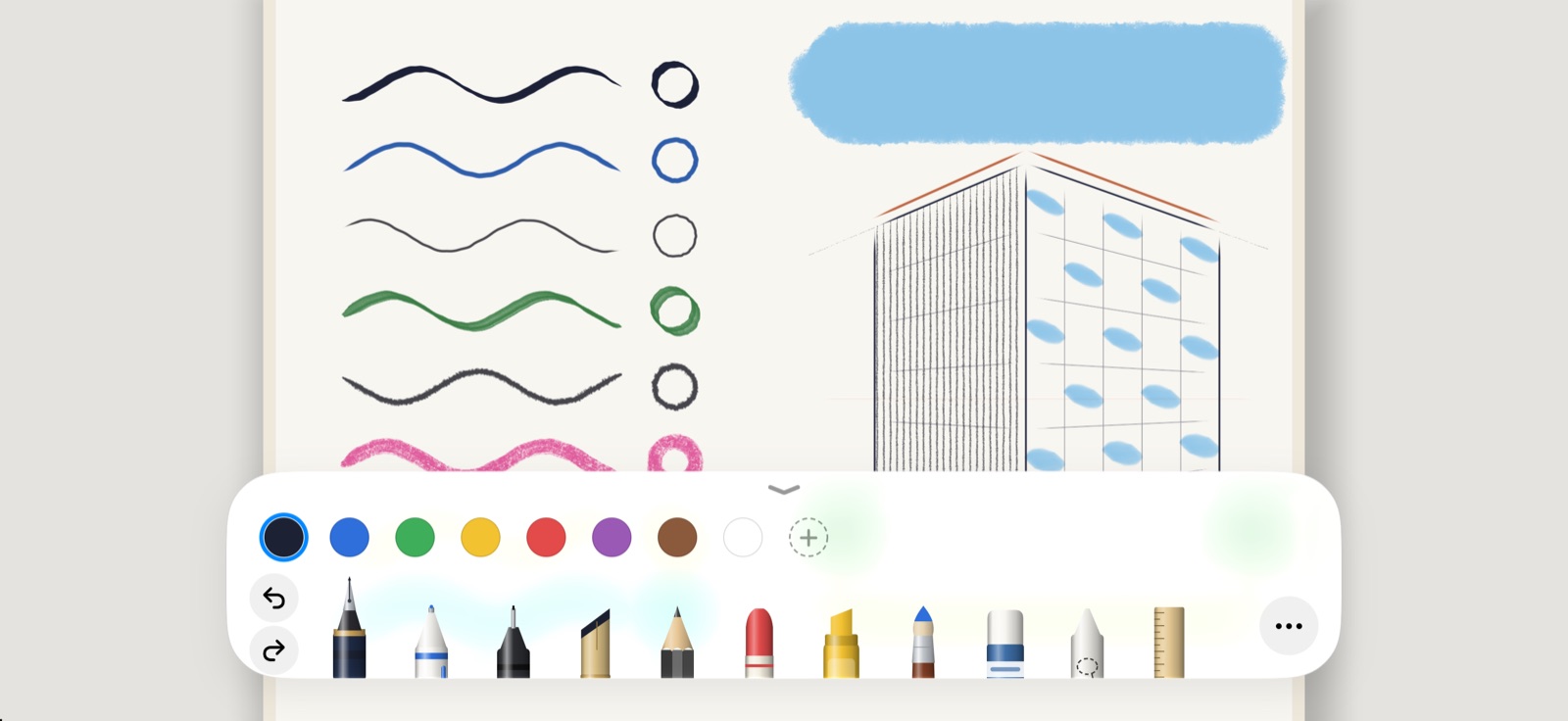
Tap a page and it fills the screen, ready for ink. Pinch out to put it back in the book.
Draw
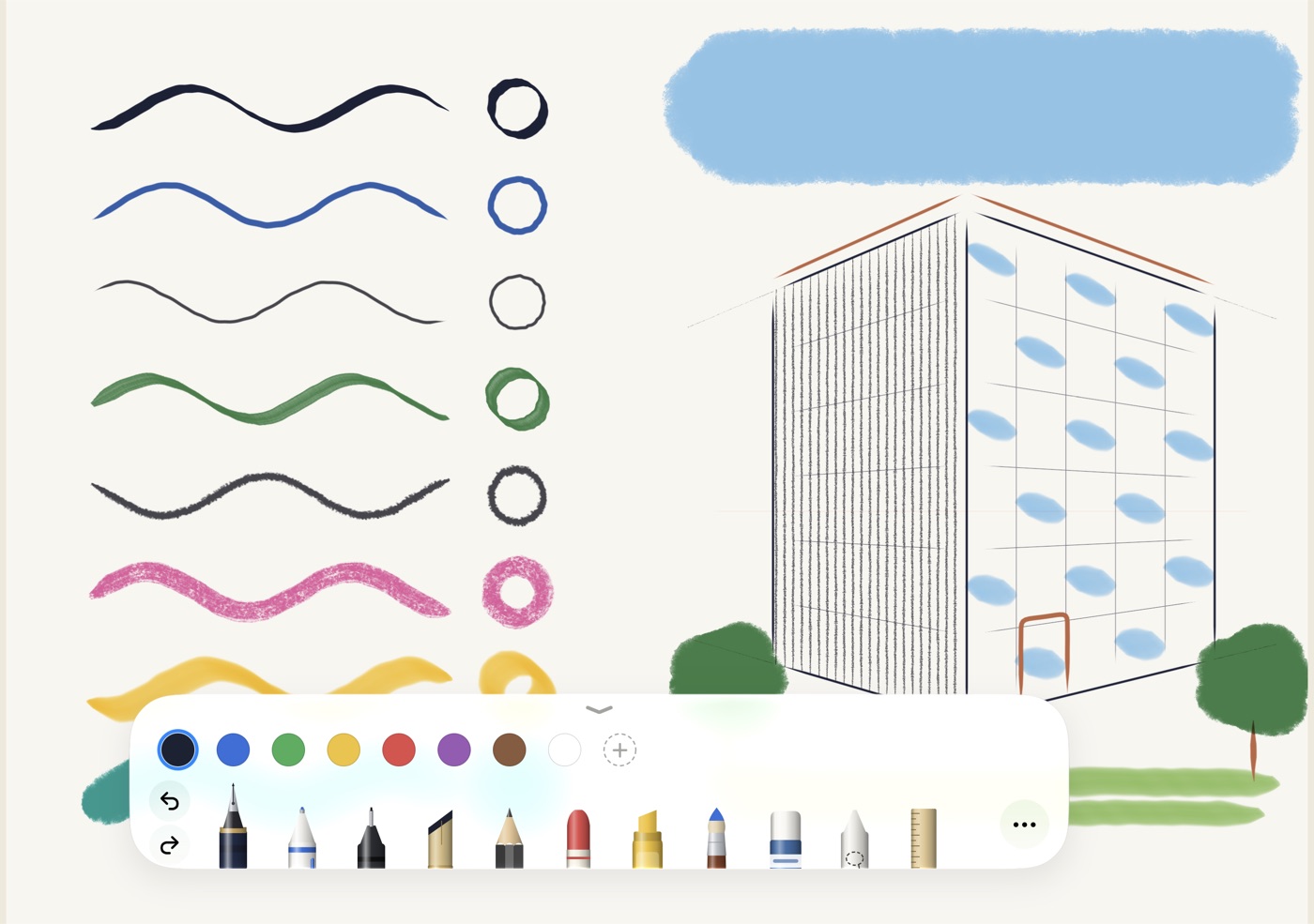
Tools that feel like the real thing
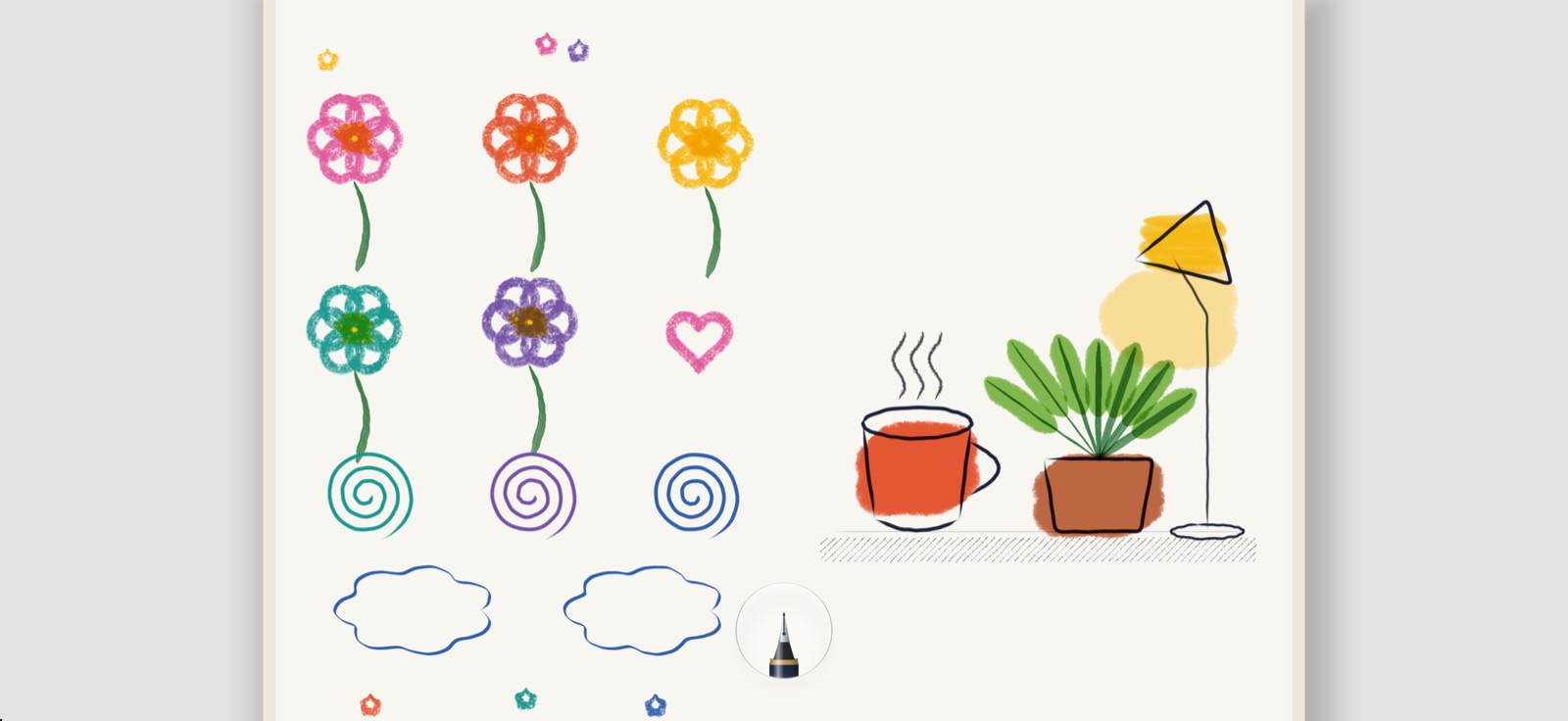
A tray along the bottom holds every tool, drawn as the object it is. Tap one to pick it up, tap again for five sizes.
- Each tool remembers its colour and size
- Fold the tray into a small bubble and park it anywhere
- Pixel and object erasers
- Three fingers to undo, two to redo
Rule
Straight lines, without trying
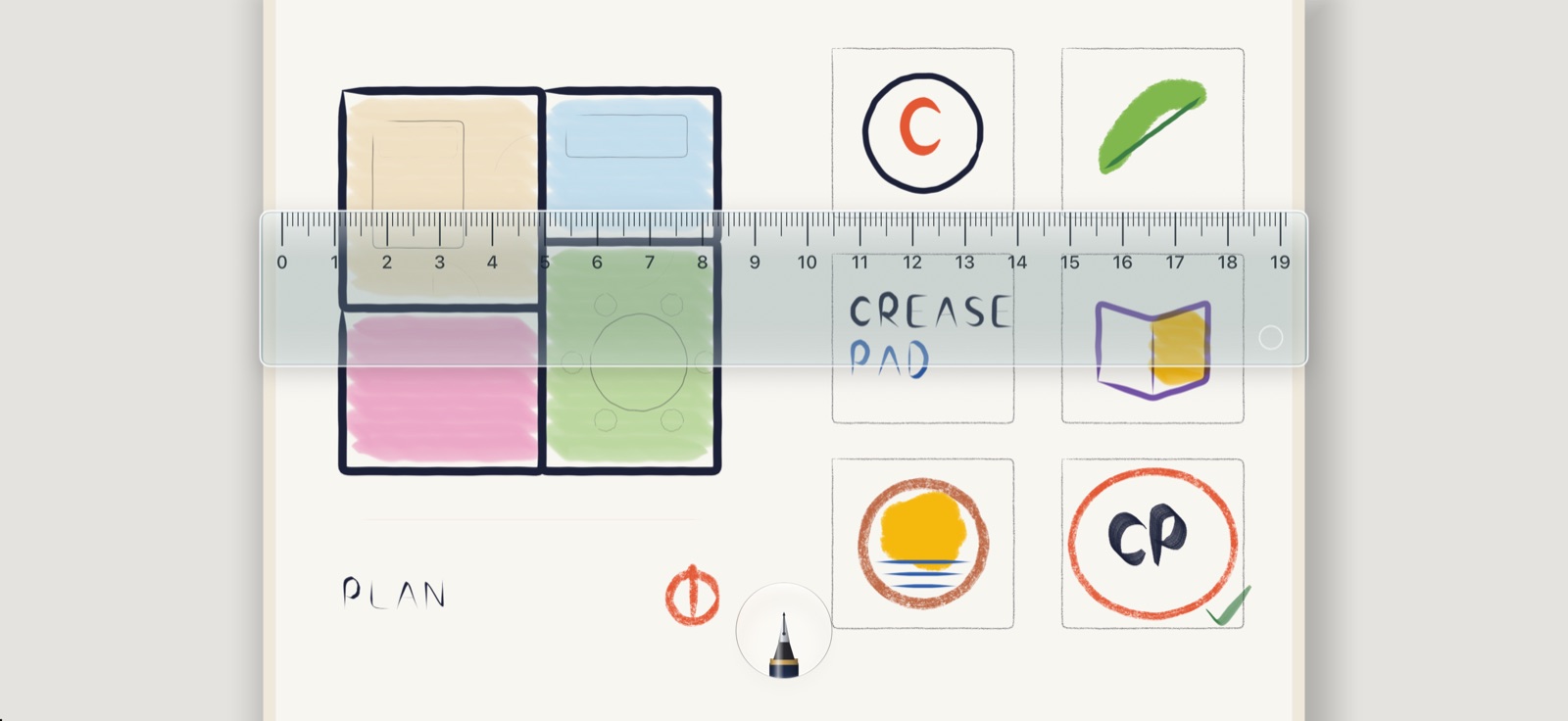
Lay a see-through ruler on the page and move it with two fingers. It holds at level and 45°. Draw against its edge and the line runs true.
iPhone Duo
Made for a phone that folds
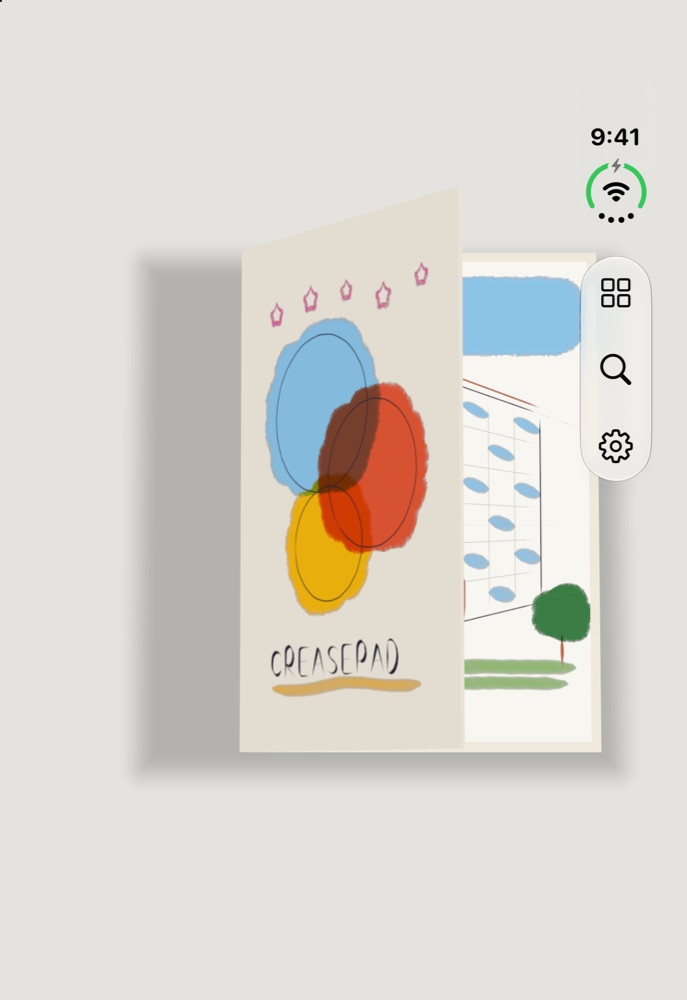
CreasePad follows the hinge. Fold the screen a little and the book opens across both halves. Close the phone and the book closes with it.
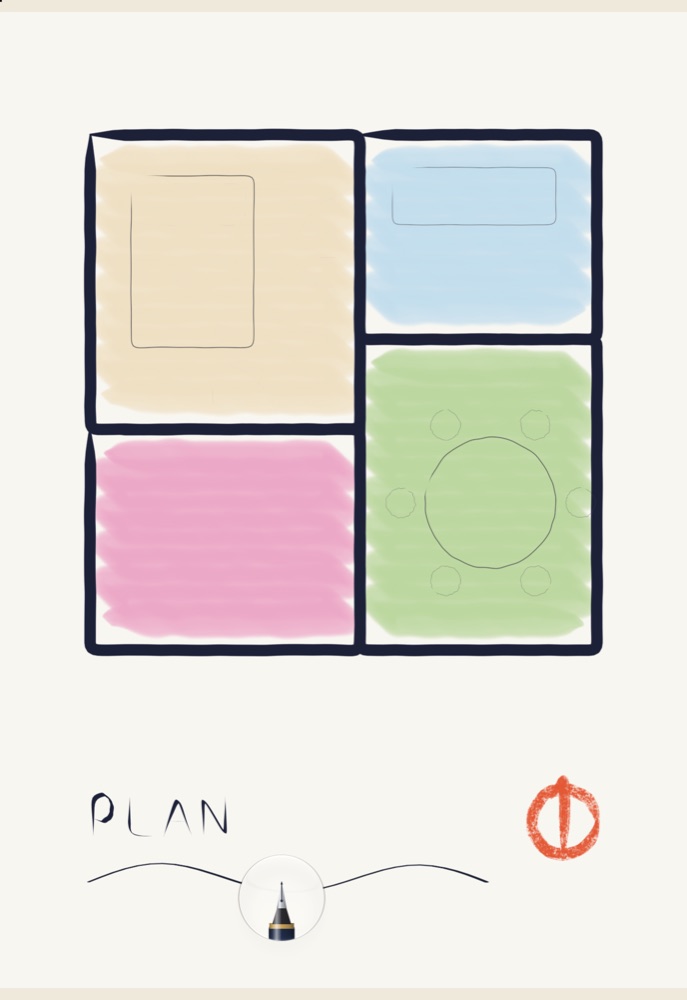
Open it up for the full spread
On the inner screen, two pages sit side by side with room for the whole tray. Draw across the crease and it all stays one picture.
Android
Coming to Android soon
Sam is bringing CreasePad to Android next, for phones, foldables and tablets. Same books, same tools, and on a foldable, a book that closes when the phone does.
Pricing
Start free. Pay once if you want more.
Nothing you make is ever locked, and you can always export it.
Free
- Three notebooks of your own
- Every tool and colour
- Ruler, shapes and eyedropper
- Share and export your pages
CreasePad Pro
- Unlimited notebooks
- Everything in Free
- iCloud sync across devices Coming soon
- Collaborate with friends Coming soon
Privacy
Your sketchbook is nobody else's business
No account
Open the app and start drawing. There's nothing to sign up for.
Nothing collected
No analytics, no ads, no tracking. CreasePad doesn't send your data anywhere.
On your device
Every page lives on your phone. Share a page only when you choose to.
Questions
Good to know
Do I need an iPhone Duo?
No. CreasePad works on any iPhone running iOS 27. On iPhone Duo it also follows the hinge, opening and closing the book as you fold.
Does it work with Apple Pencil?
Yes. Once CreasePad sees your Pencil, fingers stop drawing so your hand can rest on the page. You can switch finger drawing back on from the ••• menu in the tray.
What happens after three notebooks?
Your three notebooks stay yours to read, edit and export, for good. To make a fourth, unlock CreasePad Pro with a single payment.
Is Pro a one-time payment?
Yes. CreasePad Pro is one payment, and it's yours to keep. If you reinstall or get a new phone, tap Restore Purchases in Settings.
Can I draw on PDFs?
Yes. Add a PDF from the + menu on the desk, draw on any page, then share it back out as a PDF with your drawings on it.
Who made this
Made by a YouTuber, for his own iPhone Duo
CreasePad began as something Sam Nam built for himself. He wanted a sketchbook that felt like paper on the phone he carries everywhere, couldn't find one, and made it.
Sam and his family make tech videos on YouTube, and those videos fund a free documentary every year for a cause that matters. Unlocking CreasePad Pro helps pay for the next one.
Open a book. Turn a page. Start drawing.
On the App Store now, and coming to Android soon.